
Ceiling fans typically offer three to five speed settings, with low, medium, and high being the most common. Choosing the right speed setting can significantly enhance your comfort while optimizing energy efficiency—using the low setting in summer can save up to 30% on cooling costs.
Ceiling fans typically have multiple speeds, with most offering low, medium, and high settings. Knowing how to use these different ceiling fan speed settings effectively can make a significant difference in your home’s cooling and heating efficiency.
Understanding Ceiling Fan Speed Settings
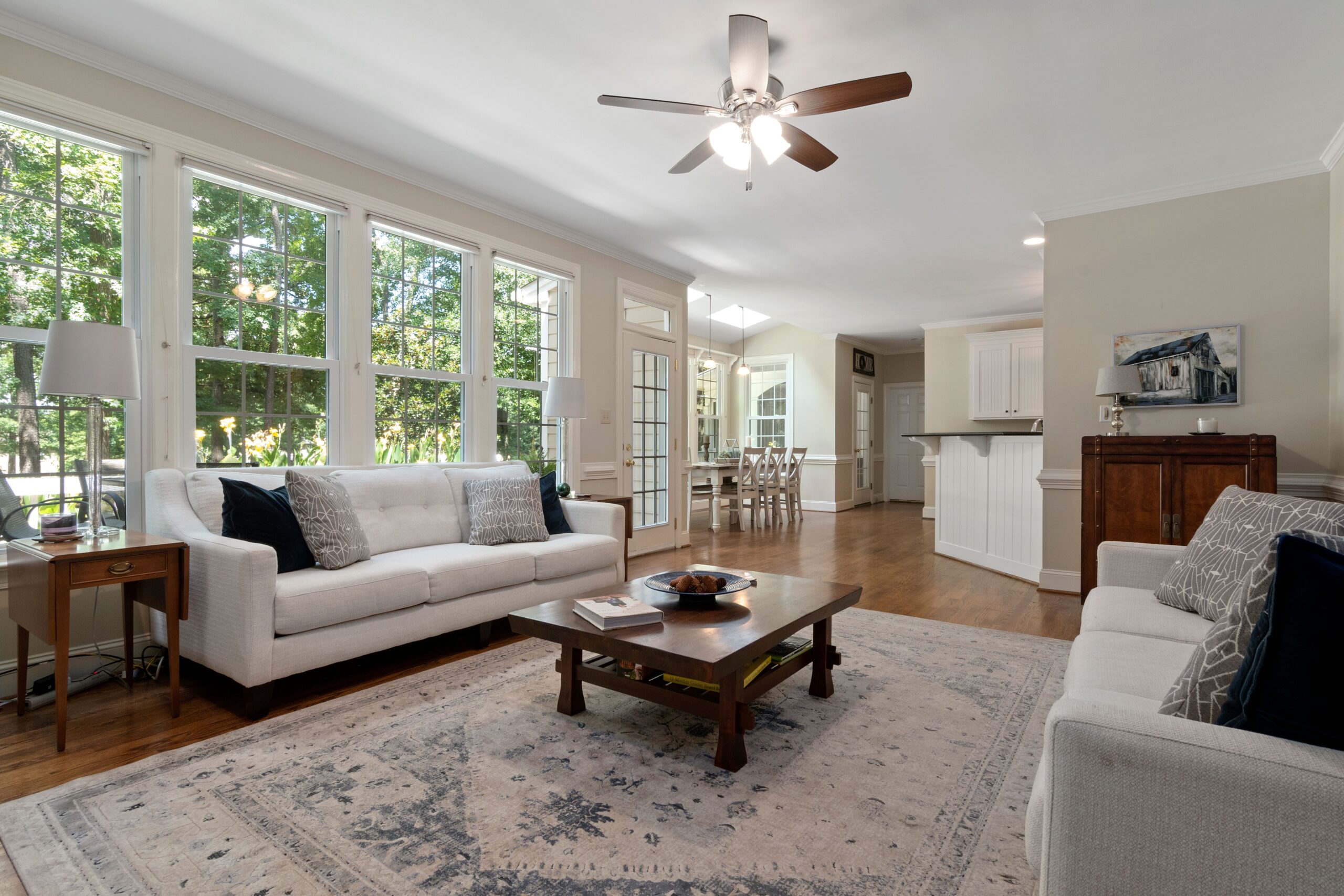
Ceiling fans operate by moving air, and different speed settings alter the airflow to create varied comfort levels. When I researched how ceiling fans work, I found that the low speed is best for gentle air circulation, often used in cooler months to distribute warm air. The medium speed is ideal for transitional seasons, while high speed provides powerful airflow for hot summer days.
Furthermore, adjusting the fan speed really makes a difference in air circulation. For instance, I’ve noticed that using the high setting can quickly cool down a room, especially when combined with an open window or an air conditioning unit. This is a simple but effective home cooling solution.
Optimal Settings for Different Seasons
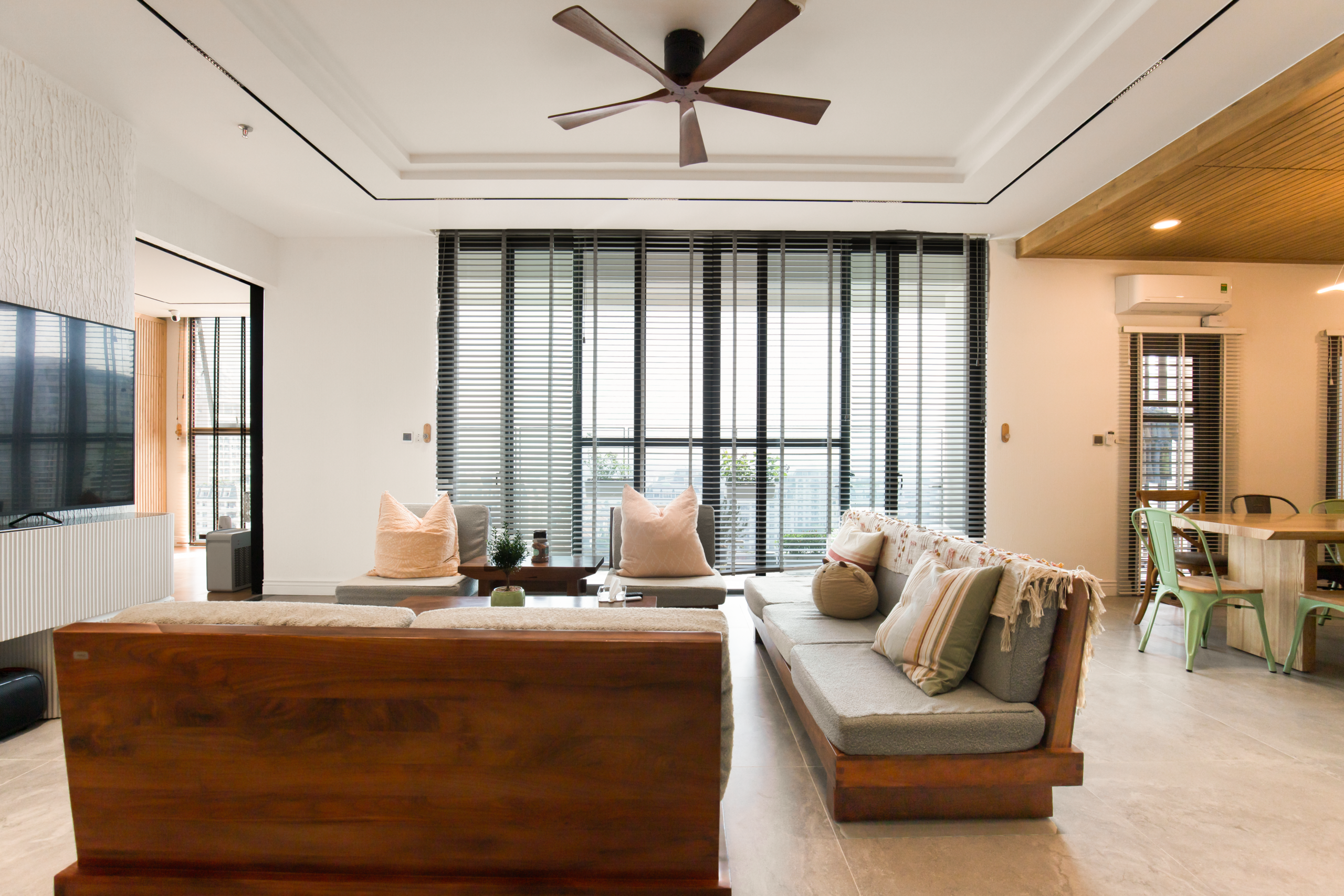
Understanding the optimal fan speed settings per season can enhance comfort throughout the year. During the summer months, I usually set my ceiling fan to high speed to maximize airflow and create a wind-chill effect. This makes you feel cooler without having to lower the thermostat.
In winter, I typically switch to low speed. This helps circulate warmer air that rises to the ceiling back around the room. I found that this subtle adjustment can result in significant energy savings, making my home feel cozy without relying solely on heating systems.

How to Adjust Your Ceiling Fan Speed
Most ceiling fans come with either pull chains, wall switches, or remote controls to adjust the speed. In my experience, the remote control is the most convenient option, but sometimes, I’ve encountered issues where it doesn’t work as expected. Checking the batteries and ensuring the remote is synced can solve most problems.
When adjusting the fan speed, it’s essential to allow a few moments for the fan to reach the desired pace. I found that abruptly switching speeds can lead to unnecessary strain on the fan motor, which may reduce its lifespan. Regular maintenance and proper adjustments can enhance the longevity and efficiency of energy efficiency fans.
Tips for Energy Efficient Fan Usage
Using your ceiling fan wisely can contribute to lower energy bills. In my trials, I’ve discovered that using ceiling fans in conjunction with your HVAC system can maximize efficiency. Setting the fan to run counter-clockwise in summer and clockwise in winter aids in cooling or heating as needed.
Additionally, I suggest turning off the fan when you leave a room. Ceiling fans cool people, not the room itself. Small adjustments like this can lead to noticeable energy savings over time. If you are also dealing with the challenge of selecting a ceiling fan model that complements your home style, I have a detailed guide on that here.
Mastering different ceiling fan speed settings can greatly enhance your home’s comfort and efficiency. By understanding how to adjust these settings based on the season and using some practical tips, you’ll be well on your way to optimizing your indoor environment. For a deeper look into how ceiling fan direction can affect your comfort, you can find more details here.
Frequently Asked Questions
What are the different ceiling fan speed settings?
The different ceiling fan speed settings typically include low, medium, and high speeds. Some fans may also have additional settings such as ultra-low or intermittent modes.
How do you change the speed of a ceiling fan?
To change the speed of a ceiling fan, you can use the pull chain, a wall switch, or a remote control, depending on the model. Simply select the desired speed option to adjust airflow.
Is it better to run a ceiling fan on high speed?
Running a ceiling fan on high speed is suitable for quickly circulating air but may lead to increased noise. It is not always necessary unless you need a strong airflow or cooling effect.
What speed should my ceiling fan be set to in summer?
In summer, your ceiling fan should be set to a higher speed, typically the highest setting, to create a wind-chill effect that helps cool you down by enhancing evaporation of sweat from your skin. This setting should run in a counterclockwise direction, pushing air downwards to create a breeze that feels cooler.
Can you change ceiling fan speed remotely?
Yes, many modern ceiling fans are equipped with remote controls or smart home technology that allows users to change speed settings remotely. These fans typically come with a dedicated remote or can be controlled through a smartphone app, enabling adjustments to speed levels from anywhere in the room or home.