

To troubleshoot a ceiling fan effectively, first, ensure that it's securely mounted and check for loose blades, as even a slight imbalance can lead to excessive wobbling or noise. Addressing these straightforward adjustments can often resolve the issue without the need for professional assistance. Many homeowners encounter these common fan problems, so you’re definitely not alone.
Follow these clear steps to diagnose and fix issues with your ceiling fan’s motor, speed control, stability, or remote control problems. Ready to get started? Let’s dive in!
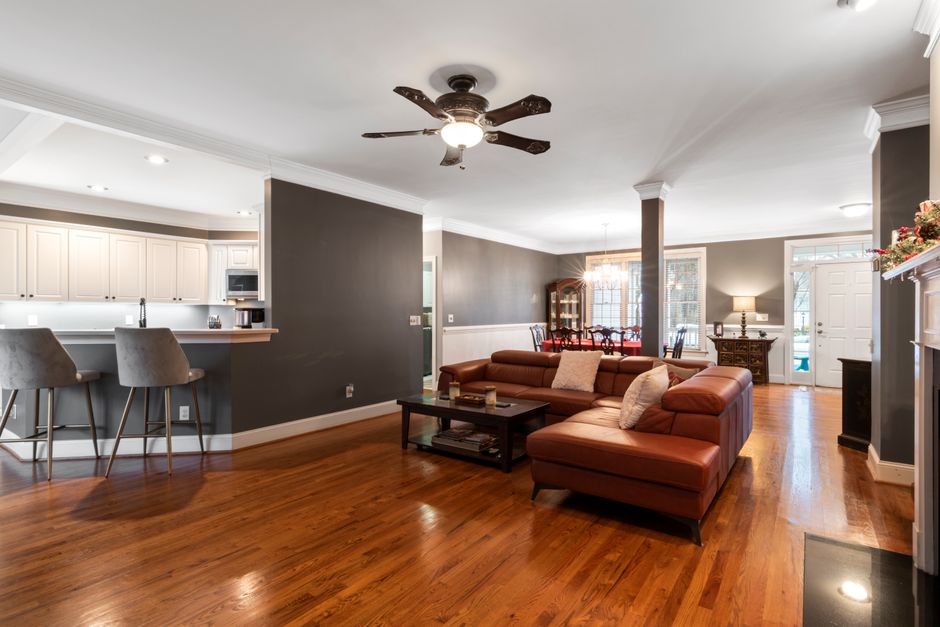
Common Ceiling Fan Problems
Understanding typical ceiling fan issues is the first step in effective troubleshooting. The most frequently encountered problem is a fan that won’t spin. Common causes include electrical issues, malfunctioning remote controls, and motor failures. Many people overlook basic checks, such as ensuring the fan is switched on and verifying that the circuit breaker hasn’t tripped.
Another prevalent issue is noise. Humming, squeaking, or rattling sounds often arise from loose screws, imbalanced blades, or built-up dust. Additionally, wobbling fans not only produce unwanted noise but can also pose safety hazards. This instability is frequently the result of uneven blade alignment or improper installation.
Troubleshooting Steps
To troubleshoot your ceiling fan effectively, address each issue methodically based on the symptoms you observe:
- Fan Not Spinning: Verify that the fan is switched on and that the circuit breaker is operational. If it’s controlled by a remote, check that the batteries are installed properly and functioning.
- Unpleasant Noise: Tighten all screws on the motor and blades, as loose screws often cause disturbing sounds. If the noise continues, inspect the motor housing for any foreign objects or dust accumulation.
- Wobbling Ceiling Fan: To stabilize a wobbly fan, check if the blades are evenly installed using a level. Ensure all blades are securely tightened and examine the ceiling mount. Simple adjustments and cleaning can significantly improve stability.

Resolving Remote Control Issues
For fans that aren’t responding to their remote controls, start by replacing the batteries with fresh ones and ensuring they are correctly oriented. Dead batteries are often the simplest explanation for non-responsiveness. If the problem persists, check the receiver in the fan; it may need to be reset or reprogrammed. Consult the user manual for specific pairing instructions if necessary.
Final Verdict: Take Charge of Your Ceiling Fan
By following these troubleshooting steps, you can likely resolve most ceiling fan problems yourself. Focus on power sources, listen attentively for noise, and check for wobbling to identify the issue accurately. If these steps don’t resolve the problem, a deeper issue with the fan motor may require replacement.
Some fans can be easily fixed, while others may necessitate a professional’s expertise. Regular maintenance, including cleaning and inspections, can extend your ceiling fan’s lifespan and improve performance. For further insights, check related articles like Why Does My Ceiling Fan Hum and How to Fix It? or how to troubleshoot a ceiling fan or Ceiling Fan Keeps Turning Off: Troubleshooting Common Issues.
Don’t let a troublesome ceiling fan drive you up the wall. Take charge of the situation and troubleshoot effectively!
Frequently Asked Questions
Why does my ceiling fan make noise?
Ceiling fans can make noise due to loose parts, worn-out bearings, or the blades hitting something. Regular maintenance, like tightening screws and ensuring that the fan is free from obstructions, can often resolve these issues.
How can I fix a ceiling fan that won’t spin?
If your ceiling fan won’t spin, first check to ensure it’s receiving power and that the switch is functioning. If power is confirmed, inspect the pull chain for damage, check the wiring connections, and consider any mechanical issues like a stuck motor or blocked blades.
What causes a ceiling fan to wobble?
A ceiling fan may wobble due to uneven blade heights, unbalanced blades, or loose mounting. Ensuring that the blades are securely attached and at the same height, and using a balancing kit can help stabilize the fan.
How do I reset a ceiling fan remote?
To reset a ceiling fan remote, locate the reset button on the remote, or remove and reinsert the batteries after a few seconds. Some fans also require you to turn off the power at the circuit breaker for a minute before turning it back on.
Can a ceiling fan work without a capacitor?
No, a ceiling fan typically cannot operate without a capacitor as it is essential for starting the motor and regulating its speed. If the capacitor is faulty, it will need to be replaced for the fan to function properly.